> ## Documentation Index
> Fetch the complete documentation index at: https://datagen.dev/llms.txt
> Use this file to discover all available pages before exploring further.
# Introduction
> Deploy Claude Code agents, connect tools, and automate workflows
## What is DataGen?
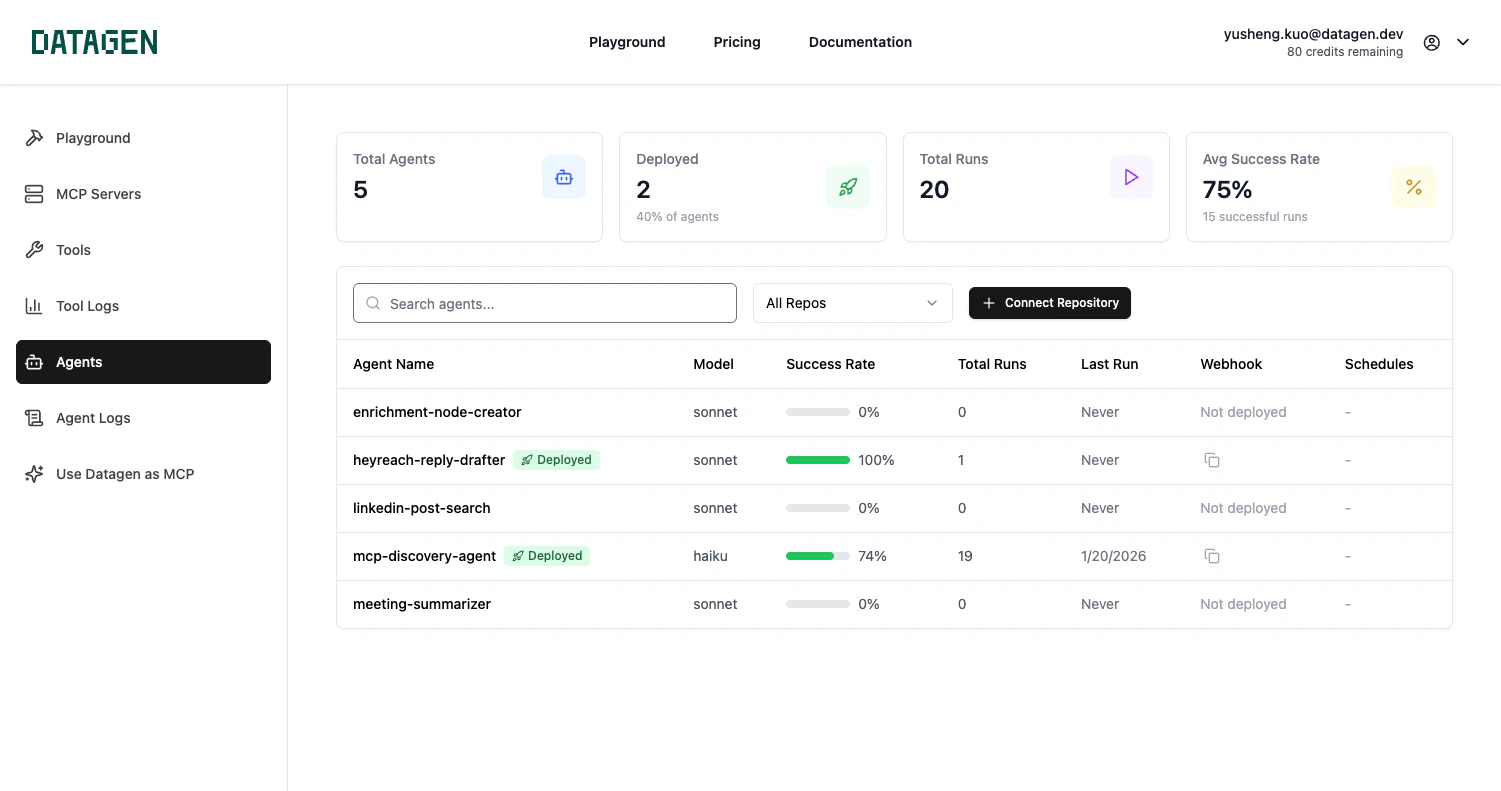
DataGen is a **command center** to operationalize your Claude Code. Build agents locally, deploy them to the cloud, add MCP integrations or create custom tools to extend their capabilities, and trigger them via webhooks or schedules. Your agents can send results through Slack, email, or create pull requests automatically.
 ## What You Can Do
Deploy Claude Code agents to run on webhooks or schedules. Auto-create PRs, send notifications, and process data.
Communicate with agents through Slack, email, and webhooks. Trigger runs and receive results.
Connect 50+ MCP servers -- Gmail, Linear, HubSpot, and more. Build custom tools with Python.
## How It Works
Create agents, skills, or commands as `.md` files in your repository.
Push to DataGen cloud via the plugin or web UI.
Run on a recurring schedule, via webhook from external systems, or manually.
Agents deliver results through your configured channels -- Slack messages, email threads, or pull requests.
## Get Started
Get 50+ MCP tools, 9 slash commands, and one-command deployment -- install in under 60 seconds.
Not using Claude Code? See [Alternative Setup](/guide/alternative-setup) for Claude Desktop, Cursor, and Direct Connect options.
## What You Can Do
Deploy Claude Code agents to run on webhooks or schedules. Auto-create PRs, send notifications, and process data.
Communicate with agents through Slack, email, and webhooks. Trigger runs and receive results.
Connect 50+ MCP servers -- Gmail, Linear, HubSpot, and more. Build custom tools with Python.
## How It Works
Create agents, skills, or commands as `.md` files in your repository.
Push to DataGen cloud via the plugin or web UI.
Run on a recurring schedule, via webhook from external systems, or manually.
Agents deliver results through your configured channels -- Slack messages, email threads, or pull requests.
## Get Started
Get 50+ MCP tools, 9 slash commands, and one-command deployment -- install in under 60 seconds.
Not using Claude Code? See [Alternative Setup](/guide/alternative-setup) for Claude Desktop, Cursor, and Direct Connect options.